
Press Kit
Everything you need to write about Type. Use any text or image on this page freely, no permission needed.
Contact: Nicolas Bichon – email. Happy to answer questions, provide promo codes, or talk about the app.
Fact sheet
- App name
- Type – Take Notes
- What it is
- A macOS menu bar app that opens with a global hotkey so you can capture a timestamped note into plain text files without leaving what you’re doing.
- Price
- Free to download with a 7-day free trial. A $12.99 USD one-time purchase unlocks the app forever. No subscription. Pricing is adjusted by country using purchasing power parity.
- Platform
- macOS 13.0 or later (Intel and Apple Silicon)
- Released
- November 29, 2023, worldwide. Current version: 1.6, August 2026.
- Developer
- Papercones Inc. – Montreal, Canada
- Website
- usetype.app
About Type
One sentence
Type is a macOS menu bar app that opens with a global hotkey so you can capture a timestamped note into plain text files without leaving what you’re doing.
One paragraph
Type is a note-taking utility for the Mac, built for people who lose their train of thought every time they switch apps to write something down. Press a hotkey from anywhere, type your note, hit Enter, and you’re back to what you were doing. Every note is timestamped automatically and saved to plain text or Markdown files you own, which makes it a popular quick-capture companion for Obsidian. It’s free to try for 7 days, then a $12.99 one-time purchase.
Full story
Nicolas Bichon was used to keeping temporary notes in text files, but capturing a thought mid-task meant finding the file, opening it, and losing focus. He wanted a command-bar-style app, in the spirit of Spotlight or Raycast, where one hotkey opens a note from anywhere on the Mac.
So he built Type. The app lives in the menu bar and opens instantly over whatever you’re working on. Notes are timestamped automatically, so a file becomes a running log of your day, and everything is stored in plain text or Markdown files on your Mac: no proprietary format, no account, works offline. Because Type writes to ordinary files, many users point it at their Obsidian vault and use it as a quick-capture tool for their existing notes.
His friend Denis Moulin designed the app icon and helped shape the app’s design. Type launched worldwide on November 29, 2023, was covered by TechCrunch on launch day, and has since been featured by Lifehacker, 9to5Mac, MacStories, MacGeneration, and others. It’s a one-time purchase from a two-person indie team, with no subscription.
Key features
- A global hotkey opens Type from anywhere on the Mac, so you can capture a note without switching apps.
- Every note is automatically timestamped, turning a file into a running log of your day.
- Notes are stored as plain text or Markdown files on your Mac: no proprietary format, no account, and it works offline.
- Type can write directly into an Obsidian vault, making it a quick-capture tool for existing note systems.
- The arrow keys switch between notes and keyboard shortcuts cover the whole app, so your hands never leave the keyboard.
- A “Stay on top” option keeps the note window visible over other apps, useful during meetings or videos.
Use cases
- Obsidian quick capture – write notes directly into your vault
- Brain dump – capture thoughts now, review them later
- Meetings – take notes without leaving the call window
- Highlights – collect talking points for your next 1-1
- Time tracking – timestamped entries show where your day went
- Journaling – append to a daily note throughout the day
- Debugging – log steps to reproduce a bug as you go
Who is Type for?
Type is built for people who want to capture a thought from anywhere on their Mac without breaking focus: during deep work, in a meeting, or while watching a video. It fits people who already live in plain text and Markdown, including Obsidian users looking for a faster way to get notes into their existing files.
Why Type is different
Most note-taking apps want to be your destination; Type wants to get out of your way. It opens over whatever you’re doing, saves to ordinary files instead of a proprietary database, timestamps every entry automatically, and closes as fast as it opened. There is no account, no cloud service, no subscription. Just a hotkey and your own text files.
Privacy
Notes never leave your Mac. They are stored as plain text or Markdown files on the user’s own disk, there is no account, and the app works fully offline. See the privacy policy for details.
Images
Raw, unframed screenshots at full resolution with realistic demo data. Click any image to open the full-size file, or grab everything at once in the zip.
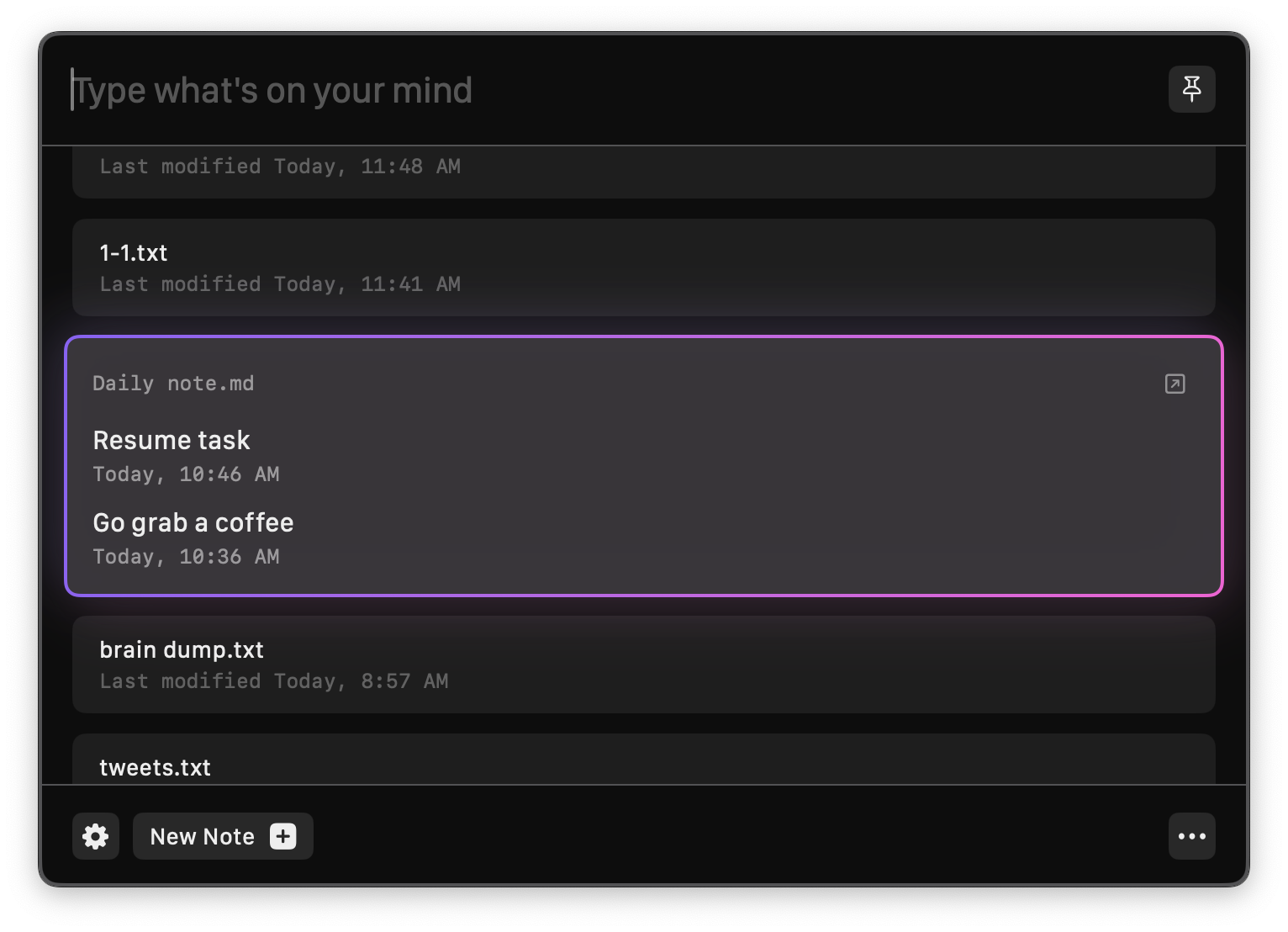 Note list
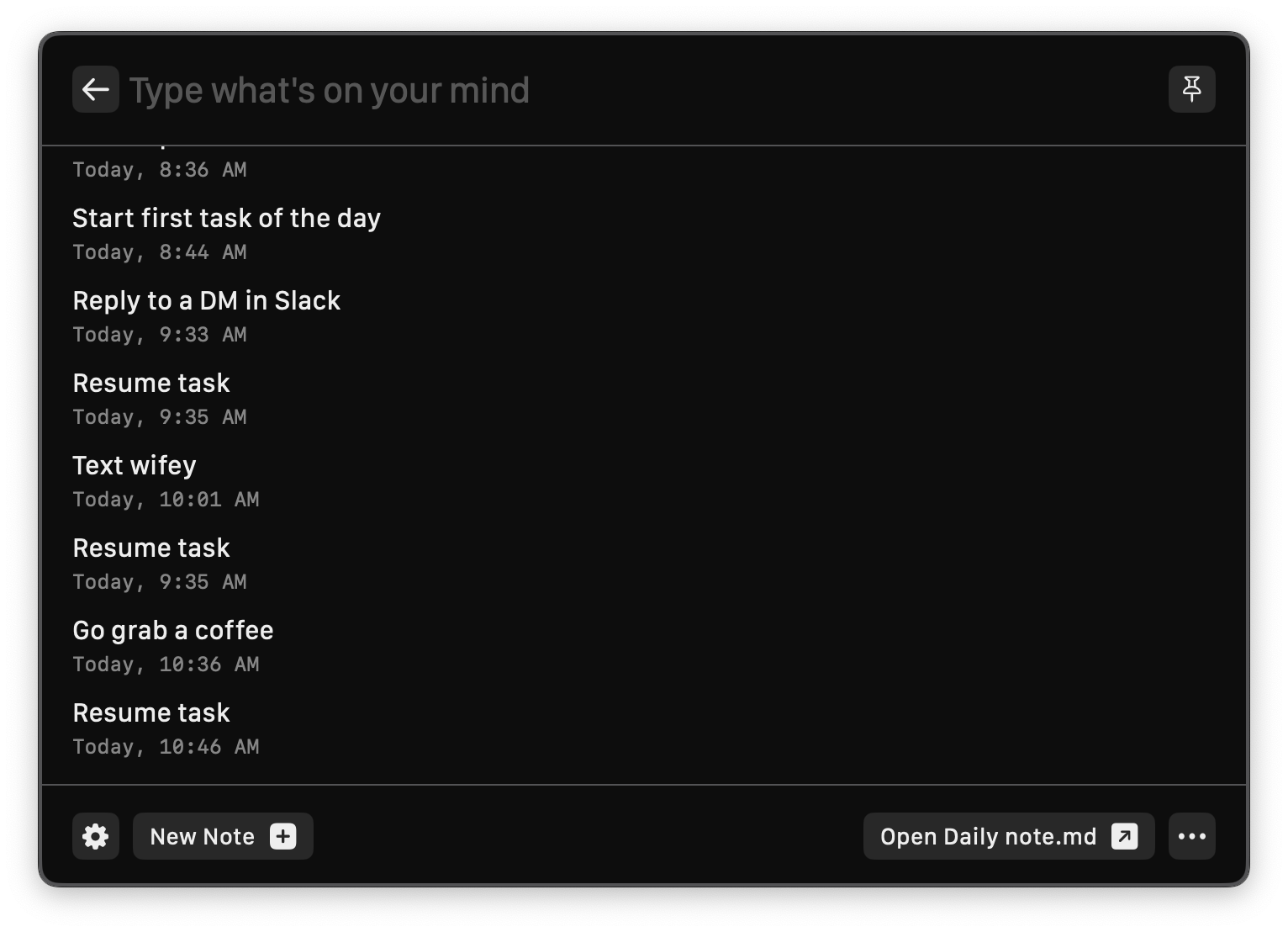 Inside a note
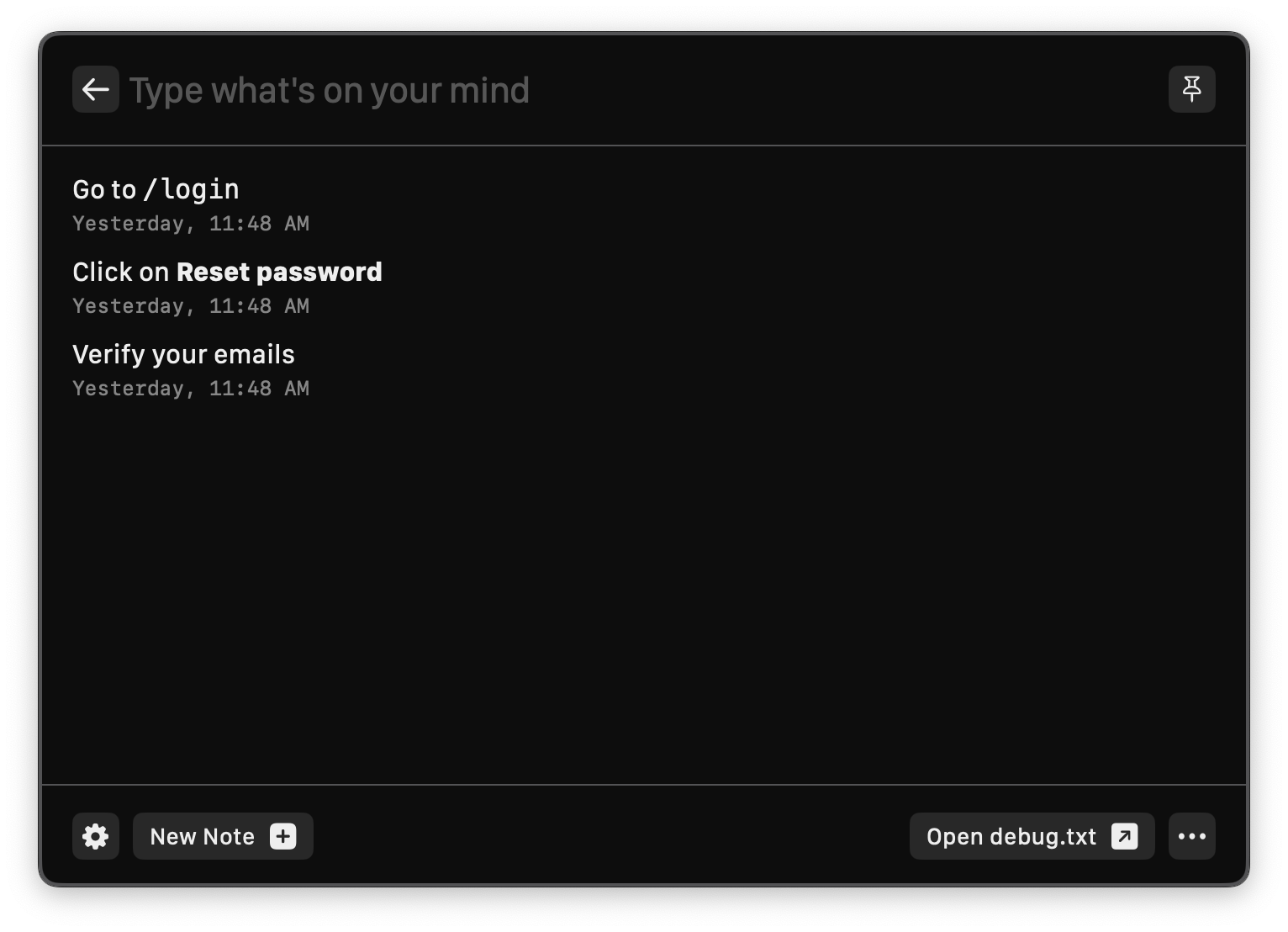 Markdown support
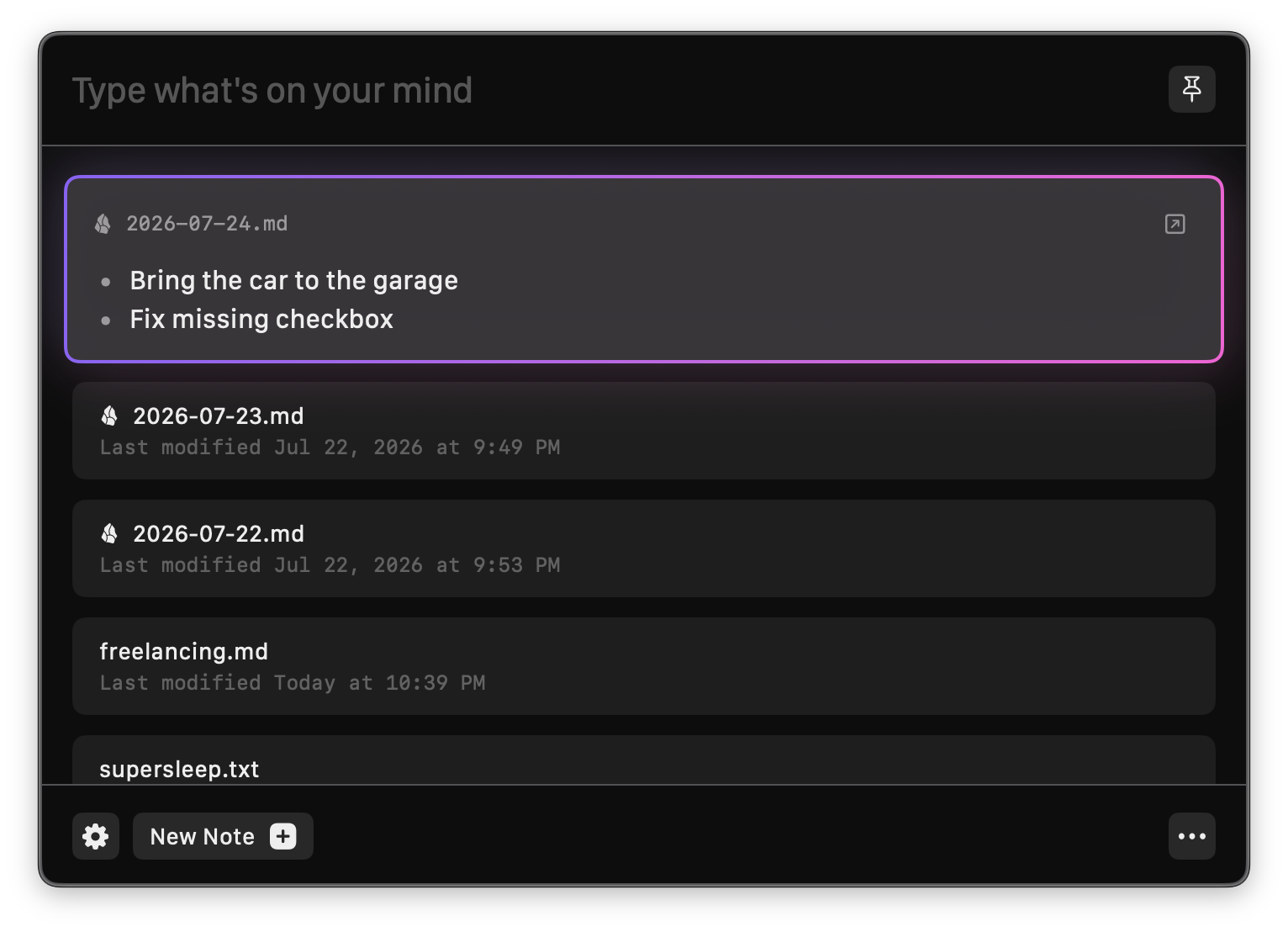 Obsidian quick capture
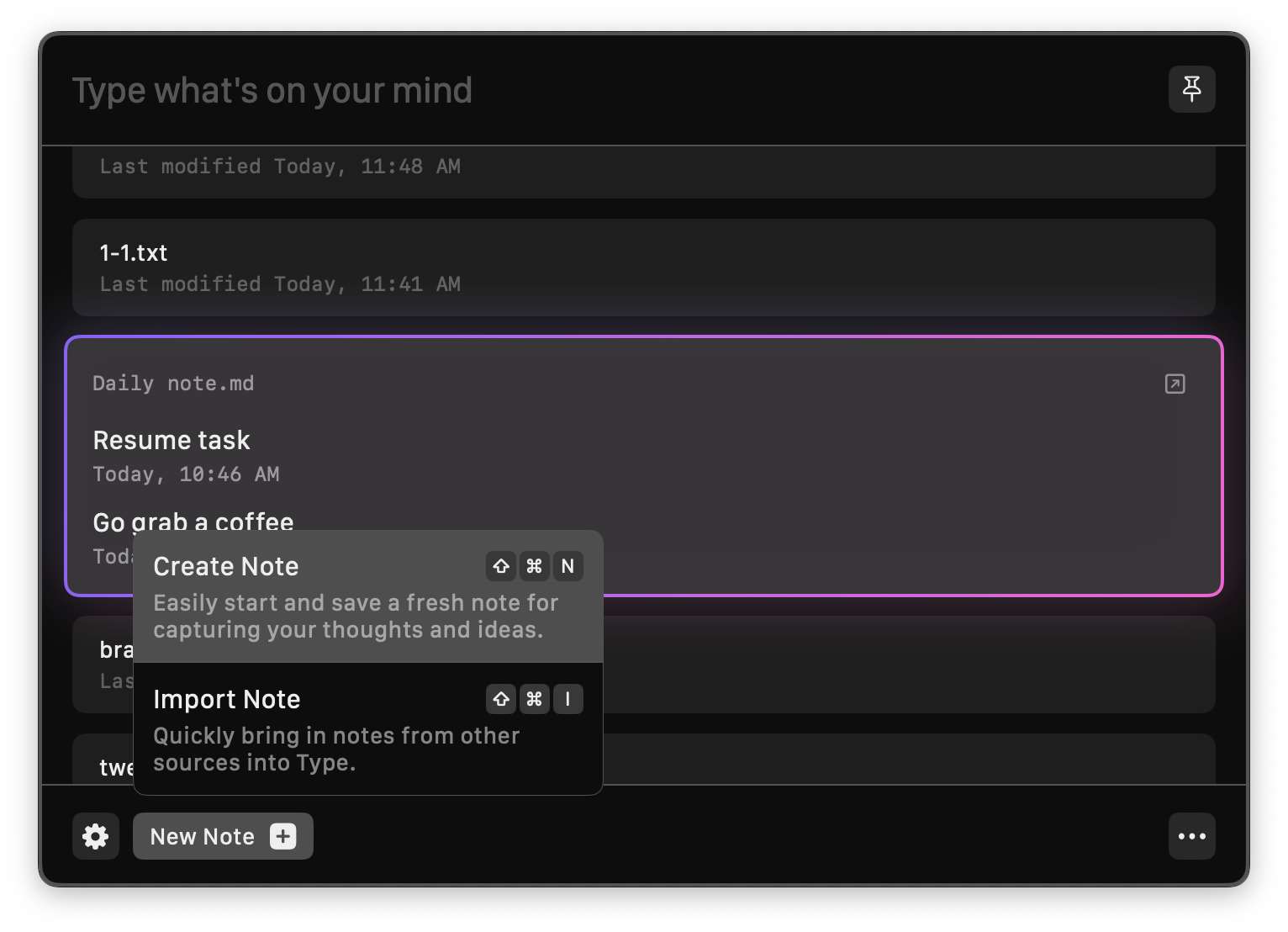 Creating a new note
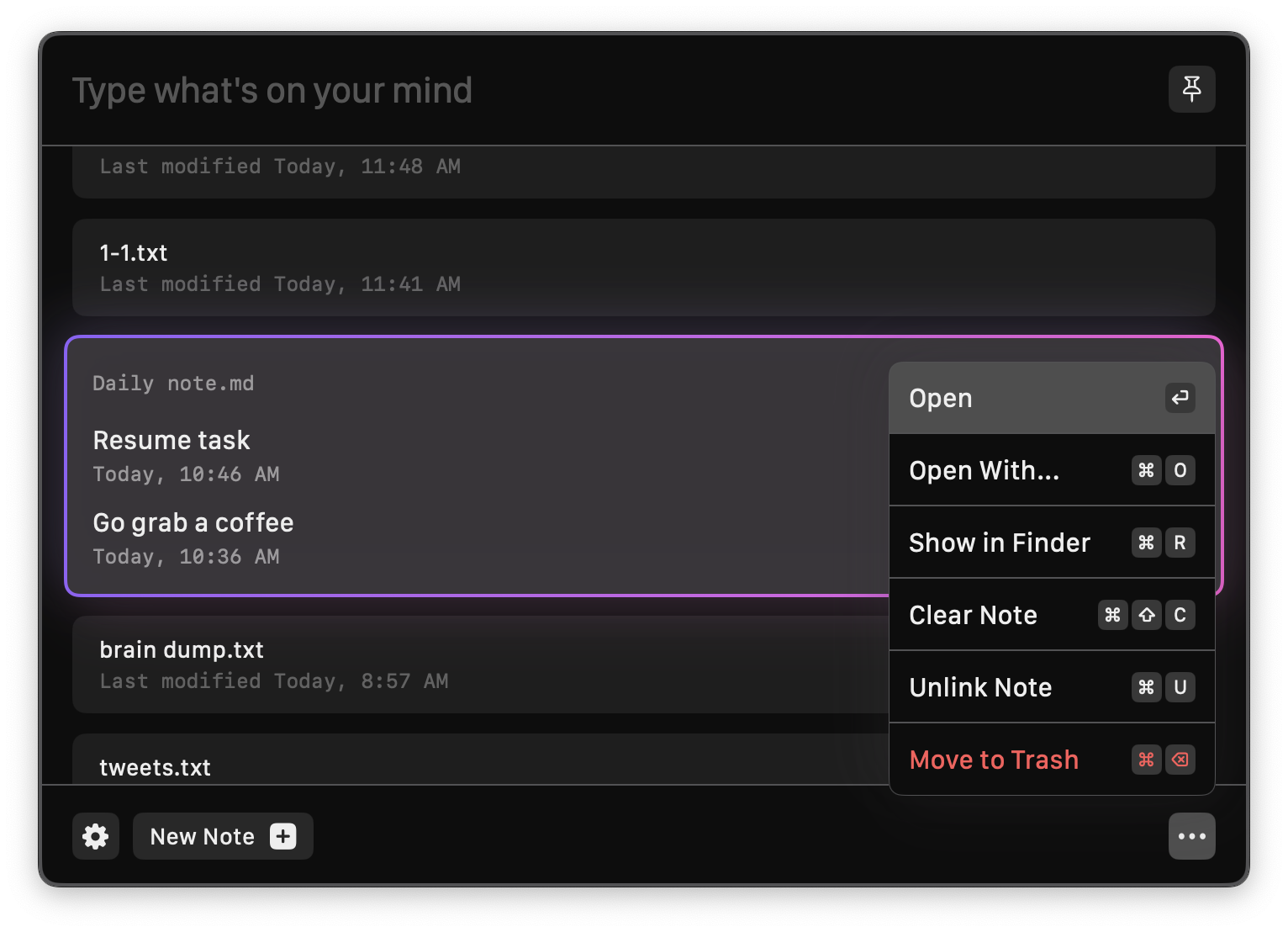 Note actions
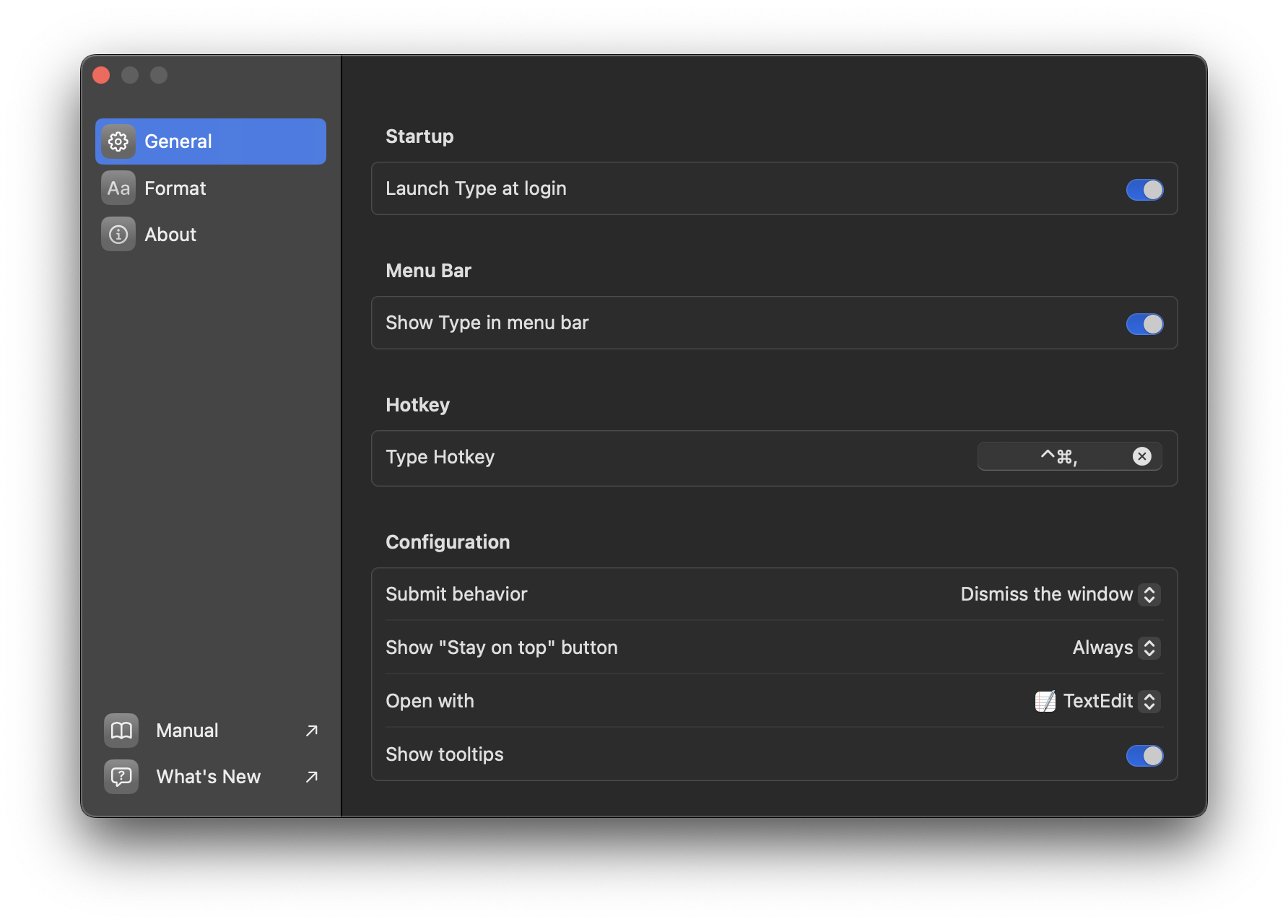 General settings
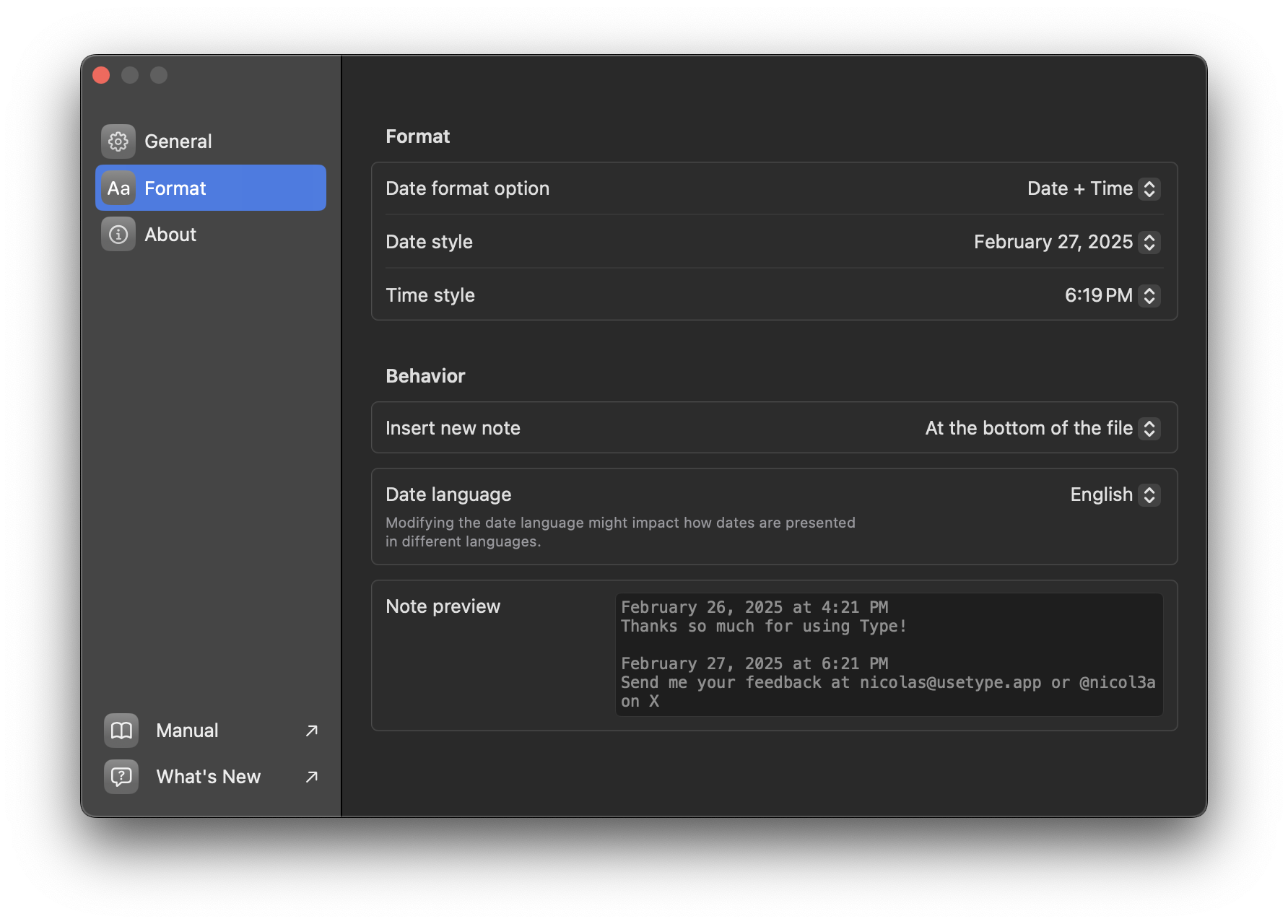 Format settings
App icon

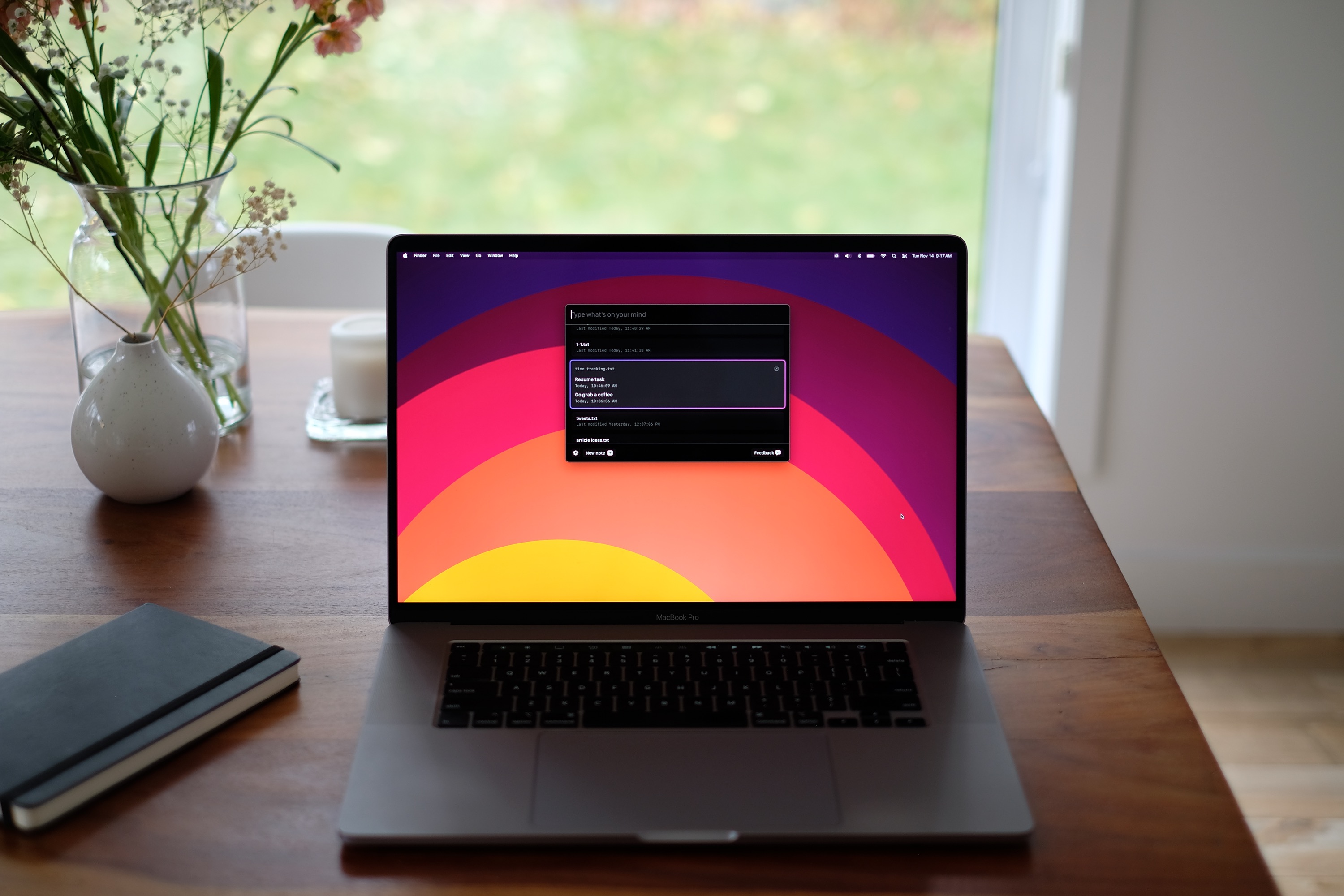
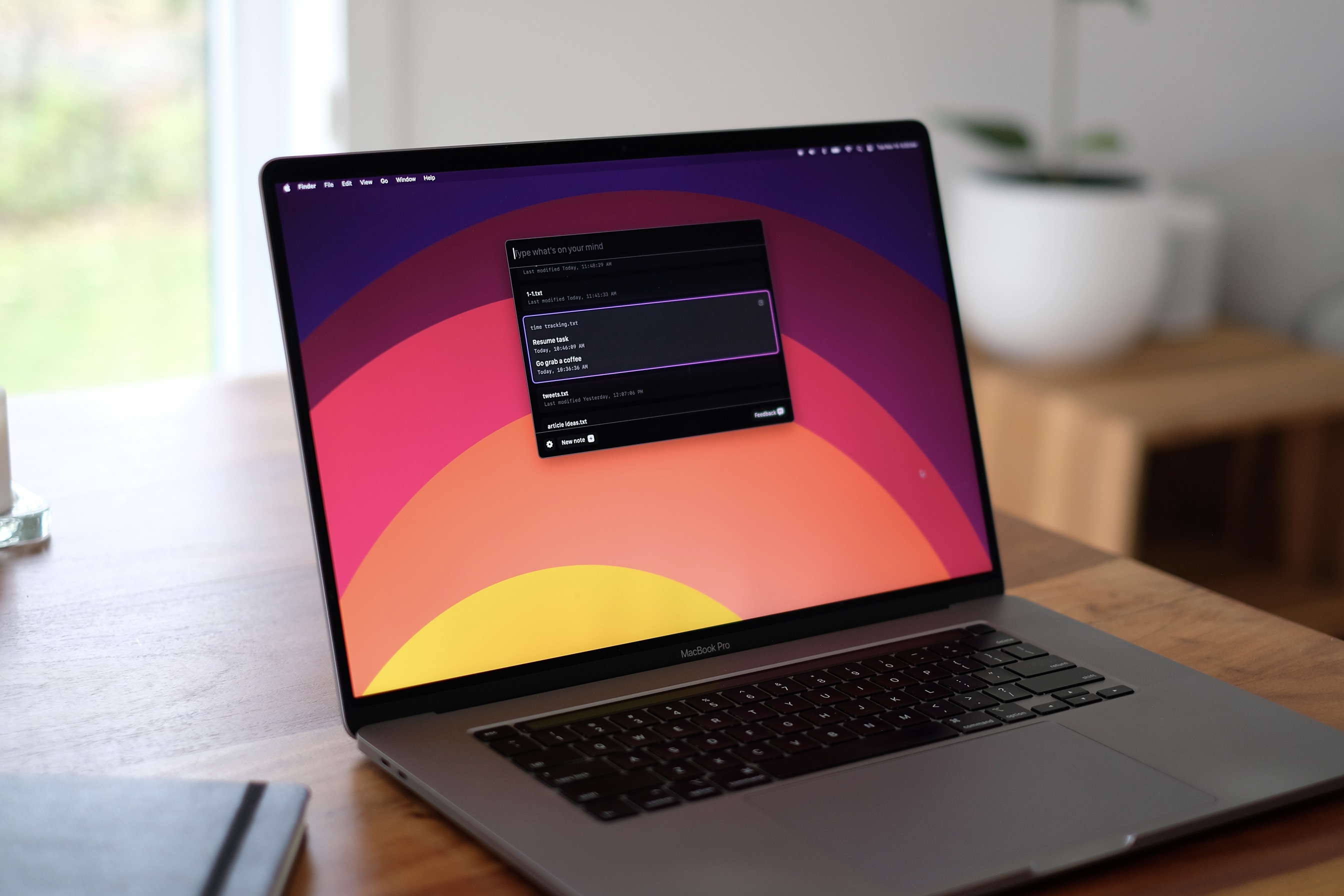
Lifestyle photos
Video
Teaser video: youtu.be/0V-JcBOhfyI
About the developers

Nicolas Bichon is an independent developer based in Montreal, Canada, with 15 years of experience building apps. He built Type because switching apps to jot something down kept breaking his focus while working. He also makes Supersleep, a sleep-habit app for iPhone. nicolasbichon.com

Denis Moulin designed Type’s icon and helped shape the design of the app. denismoulin.com
Coverage
 “Type is a barebone command bar note-taking app for Mac”TechCrunch – November 29, 2023
 “Use ‘Type’ for Mac to Capture Ideas Before You Forget”Lifehacker – April 2, 2024
 “Indie App Spotlight: ‘Type’ is the easiest way to take notes on your Mac”9to5Mac – December 28, 2024
More coverage and user reviews on the Wall of Love.
Contact
Nicolas Bichon – email
X: @usetype_app
Happy to answer questions, provide additional screenshots or promo codes, and give interviews, including on short notice before publication.